
Stop switching between tools.
Your terminal, files, containers and databases share one workspace. Keep the server context as you move between tasks.
YOUR SERVERS. ONE CLEAR WORKSPACE.
Go from scattered terminals to a clear view of your infrastructure. Manage files, containers, databases and scheduled tasks — with AI help when you need it.
A desktop app for macOS and Windows. Connect over SSH.
Ubuntu · 192.0.2.10
SSHDebian · 192.0.2.20
SSHInteractive product demonstration with sample data
 Ubuntu
 Debian
 Fedora
 CentOS
 Red Hat
Connect over SSH to Ubuntu, Debian, Fedora, CentOS and Red Hat servers. Available tools depend on installed services and permissions.
LESS FRICTION. MORE CONTROL.
Bring the everyday work of running your servers into one place, so you can focus on what you are building.
Your terminal, files, containers and databases share one workspace. Keep the server context as you move between tasks.

Broadcast input to selected terminals with Multi-CLI, then read each server’s response separately.

Check server metrics, logs and container status from a clear overview before digging into the details.
A desktop app for macOS and Windows. Connect over SSH.
Server Explorer
Move from understanding a problem to taking action, without losing your place.
 File Explorer
Browse remote files, transfer what you need and edit configuration files in place.
 Docker management
Inspect containers, review logs and manage images without piecing together every command.
 Database workspace
Work with PostgreSQL, MySQL, MariaDB and SQLite, including supported databases inside Docker containers.
 Cron scheduling
Schedule recurring jobs visually. For tracked tasks, review run results, duration, exit codes and output.
 Security checks
Review server security findings and decide which areas need a closer look.
 AI assistance
Understand commands and draft scripts with the provider and model you choose.
Configure resource thresholds and checks for services, containers, HTTP, PM2, ports and log errors. The Linux collector keeps running on your server when the desktop app is closed.
A collector must be installed on the Linux server. Delivery uses your configured destination; push notifications are not built in.
A desktop app for macOS and Windows. Connect over SSH.
AI · BYOK
Choose Codex (OpenAI), Claude, Gemini, DeepSeek or OpenRouter. Your configured providers and models are available directly in the assistant.
These are the default model IDs offered by the app. Configure your own model and API key in Settings.
Downloadgpt-5.6-terraclaude-sonnet-5gemini-3.6-flashdeepseek-v4-flash~openai/gpt-latestSERVER SECURITY
Bring your server’s security checks and access controls into the same workspace. Inspect the details, then take action.
Choose the checks to run, inspect their scripts and review findings before confirming a proposed fix.

Review firewall rules, SSH keys and configuration, and manage Linux users and groups.

Inspect Fail2Ban status, jails and banned IPs. Adjust jail settings and manage bans where the service is available.
Available controls depend on installed services and root or sudo access.
No general management agent is required: Server Explorer connects over SSH. Individual features need their corresponding server tools, such as Docker. Tracked Cron tasks install a small runner script to record executions. Autonomous surveillance installs a Linux collector to run checks and send observations when the desktop app is closed.
Yes. Organize servers in workspaces and environments, and use Multi-CLI to broadcast input to selected terminals.
No. Use the server tools directly, and configure your own API key if you want assistance from a supported AI provider.
Server Explorer is available for macOS and Windows. The store listings provide the current system requirements and pricing.
Yes, supported database connections include container-based deployments. Access depends on the database configuration and your permissions.
What to Do After Buying Your First Linux Server Buying your first Linux VPS feels exciting… until you log in. You receive…
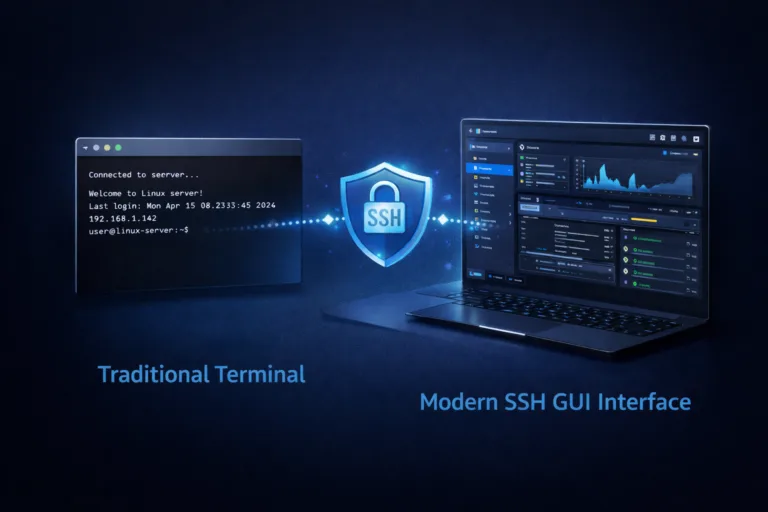
You don’t need to memorize terminal commands to manage Linux servers via SSH. For decades, SSH has been synonymous with black terminals,…
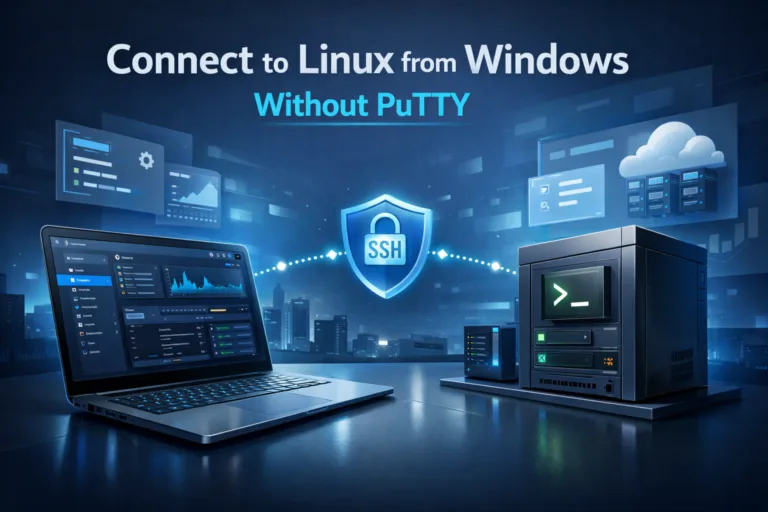
You don’t need PuTTY to connect to a Linux server from Windows anymore. For years, PuTTY has been the default SSH client…
Server Explorer
Download Server Explorer, connect your VPS and make your next server task simpler.
A desktop app for macOS and Windows. Connect over SSH.
 Server Explorer
 Linux server collector